

My registration
Long service leave statement
Each year, QLeave sends you a statement showing your long service leave credit balance.
When you receive this statement, take a few minutes to check your:
- contact details are up to date, so you don’t miss important information from us
- service credits have been recorded accurately.
Checking your statement each year helps ensure your service record is accurate and ready when you're eligible to claim.
Please note: QLeave’s community services industry scheme was established in January 2021. That means, any work you did in the industry before this date is not recorded by QLeave. The earliest a community services worker can make a claim directly with QLeave is January 2028.
How to read your statement
It's important that you check your statement carefully to make sure your work is recorded correctly.
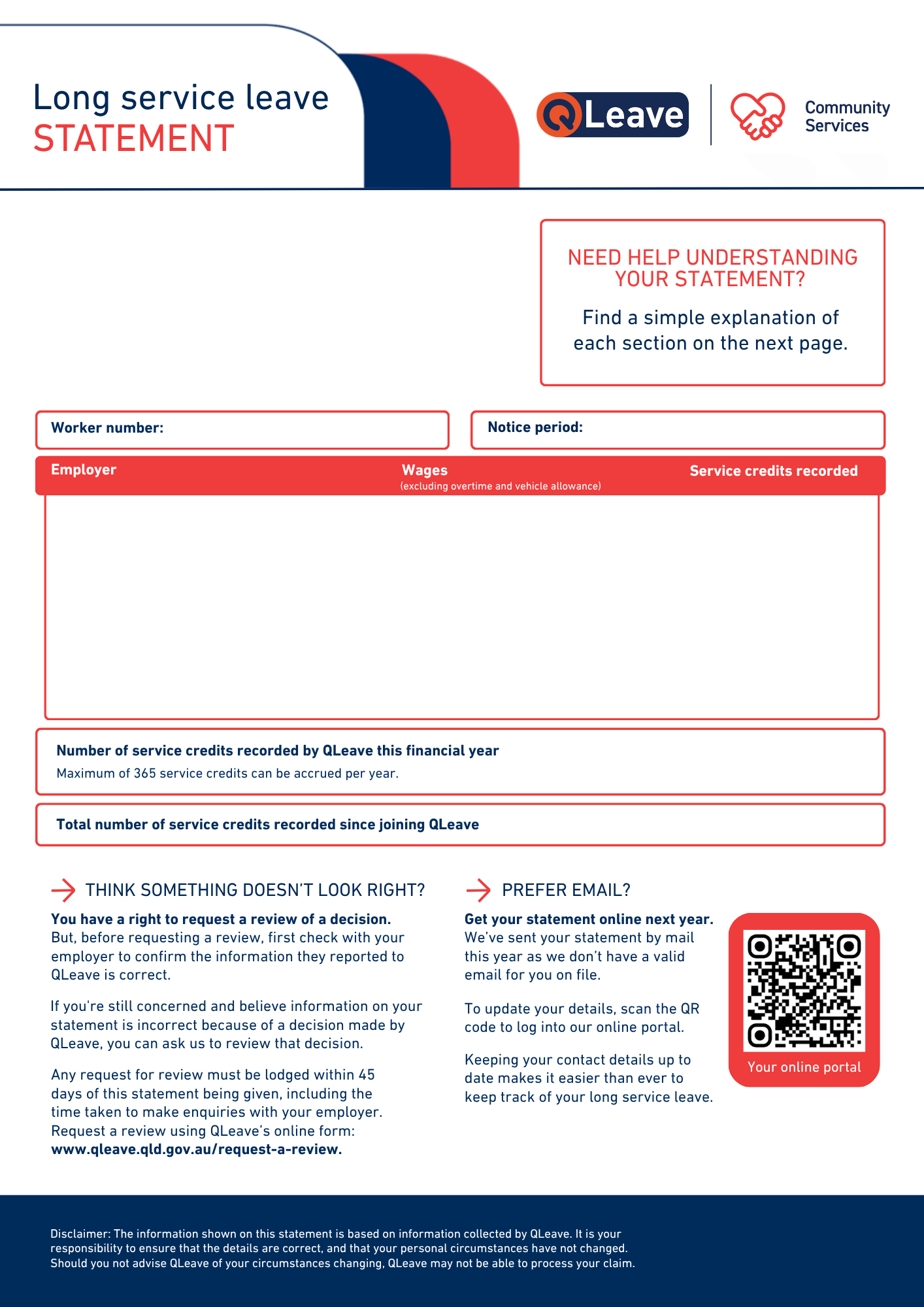
1. Employer – Period of work – Wages – Service recorded
This shows who reported work for you (the employer you worked for), the wages they reported paying you, and the number of service credits you accrued with each employer.
Employers report service to us every quarter. If you worked for an employer for the whole quarter, you will generally accrue the maximum number of service credits for that quarter, no matter how many days you actually worked.
2. Service recorded this financial year
This shows how much of your work this year has been added to your QLeave record. You can accrue up to a maximum of 365 credits each year.
3. Total service recorded since joining QLeave
This is the total service credits recorded since joining QLeave. This total only includes services reported to QLeave for work in Queensland. Once you have recorded 2,555 service credits, you will be eligible for just over 6 weeks of long service leave.
Think something doesn’t look right?
You have a right to request a review of a decision.
But, before requesting a review, first check with your employer to confirm the information they reported to QLeave is correct.
If you're still concerned and believe information on your statement is incorrect because of a decision made by QLeave, you can ask us to review that decision.
Any request for review must be lodged within 45 days of this statement being given, including the time taken to make enquiries with your employer. Request a review using QLeave’s online form at www.qleave.qld.gov.au/request-a-review.
You can check your service record online
You can see all the work that has been recorded for you since joining QLeave by logging in to your worker portal.
We’ve published a step-by-step guide to help you navigate your online service record. Access read the guide online.